
Published by FutureTecEra

Email remains one of the most reliable ways to communicate directly with an audience. Unlike social platforms where visibility can depend on algorithms, email gives creators, small businesses, educators, and marketers a more stable channel for sharing updates, delivering value, and building long-term relationships with subscribers.
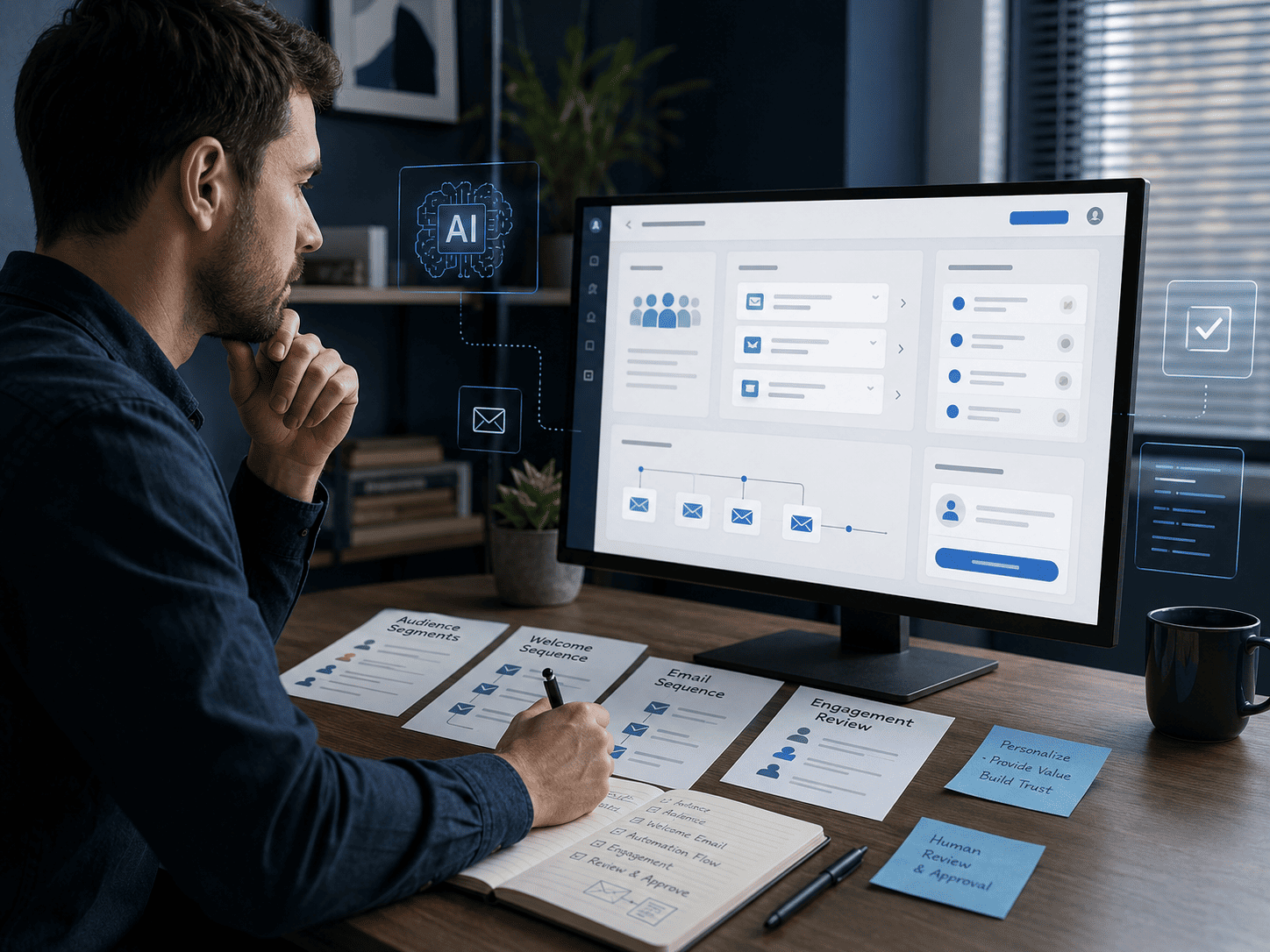
However, effective email marketing is no longer only about writing a message and pressing send. A strong email system now requires thoughtful planning, clear segmentation, useful content, respectful automation, and continuous review. This is where AI Email Marketing Automation can help organize the process without replacing the human voice behind the message.
Artificial intelligence can support email workflows by helping you draft subject lines, organize welcome sequences, summarize subscriber behavior, personalize content paths, test different message angles, and review engagement signals. Used responsibly, AI can make email communication more structured, consistent, and relevant for readers.
In this guide from FutureTecEra, you will learn how AI Email Marketing Automation can support better audience communication, clearer workflows, and more helpful subscriber experiences. The focus is not on hype, shortcuts, or aggressive monetization claims. The focus is on building email systems that are clear, ethical, practical, and useful over time.
This article is especially useful if you are a beginner who wants to understand how AI fits into email marketing without becoming overwhelmed by tools. You will learn how to think about email automation as a communication system: planning the message, understanding the audience, reviewing every output, and improving gradually based on real feedback.
New to AI-powered email and marketing workflows?
Before exploring email automation tools and subscriber workflows, you may find it helpful to start with the FutureTecEra beginner roadmap. It explains how AI can support practical digital systems, content planning, and responsible online projects.
Start with the FutureTecEra Beginner RoadmapWhy AI Email Marketing Automation Matters
Email marketing remains one of the most reliable digital communication channels because it gives creators, educators, small businesses, and marketers a direct way to reach their audience. However, inboxes are crowded, and generic emails are easy to ignore. This is why AI Email Marketing Automation matters: it can help organize messages, improve relevance, and support better communication without removing the human voice behind the brand.
AI can support email workflows by analyzing subscriber behavior, helping draft subject lines, organizing audience segments, preparing message variations, and reviewing engagement signals. Used carefully, this makes email marketing more structured and easier to improve over time.
- Behavior-based personalization: AI can help adapt email content based on subscriber activity, interests, and engagement history.
- Adaptive automation: Email sequences can be adjusted based on actions such as signups, clicks, replies, or inactivity.
- Content improvement: AI can support testing and refinement of subject lines, email structure, tone, and message clarity.
- Audience understanding: AI can summarize subscriber behavior and help identify what content may be most useful.
Who This Guide Is For
- Content creators building stronger audience relationships through newsletters.
- Small businesses that want clearer communication with subscribers and customers.
- E-commerce brands improving customer education, onboarding, and follow-up messages.
- Beginners exploring structured digital communication systems using AI Email Marketing Automation.
Unlike social media platforms, where reach often depends on changing algorithms, email gives you a more direct relationship with your audience. When AI is added responsibly, it can support segmentation, relevant content delivery, workflow organization, and continuous improvement. The real value is not sending more emails; it is sending clearer, more useful, and more respectful messages.
Useful AI Tools for Email Marketing Workflows
The AI email marketing ecosystem now includes tools for writing support, workflow automation, subject line testing, segmentation, and performance analysis. The goal is not to use every tool available. The goal is to choose tools that fit your communication needs and help you build a more organized email system.
1. Mailmodo
Mailmodo focuses on interactive email functionality, automation workflows, and subscriber engagement features. It can support surveys, forms, and user actions directly inside emails, depending on the campaign structure.
Responsible use: Interactive features should serve a clear purpose. Use them to reduce friction, collect helpful feedback, or guide subscribers toward useful resources, not to overload the email experience.
2. Flowrite
Flowrite uses language models to help draft replies, outreach messages, and structured email responses. It can be useful for creators and teams who want to maintain consistency in communication.
Responsible use: Treat AI-written emails as drafts. Review tone, accuracy, context, and whether the final message sounds natural before sending.
3. GetResponse
GetResponse supports email automation, segmentation, landing pages, and analytics. These features can help organize subscriber journeys, onboarding messages, and follow-up sequences inside an AI Email Marketing Automation workflow.
Responsible use: Automation should guide subscribers with helpful information. Avoid sending too many messages or using automation that feels aggressive or disconnected from subscriber needs.
4. Automizy
Automizy includes subject line testing and email optimization features that can support campaign refinement. It may help compare message variations and identify which subject lines feel clearer or more relevant.
Responsible use: Use testing to improve clarity, not to create misleading curiosity. A subject line should match the email content honestly.
5. ActiveCampaign
ActiveCampaign combines CRM functionality, email automation, segmentation, and behavior-based workflows. It can help organize lifecycle communication, follow-up messages, and subscriber journeys.
Responsible use: Use behavioral signals carefully. Subscriber data should help you send more relevant communication, not create excessive or intrusive messages.
6. Jasper AI
Jasper AI can help draft newsletter ideas, campaign outlines, subject line variations, and nurture sequence drafts. It can support the writing process, especially when you need multiple angles for the same message.
Responsible use: Keep the final voice human. Add your own examples, remove generic wording, and review every claim before publishing or sending.
7. HubSpot
HubSpot includes email marketing, CRM features, automation, analytics, and workflow management. It can support structured communication for businesses that need a broader marketing system.
Responsible use: Use analytics to understand patterns, but interpret the data with context. Strong email communication still depends on trust, clarity, and relevance.
AI Tools Comparison Table for Email Marketing Automation
| Tool | Main Function | Best Use Case | Human Review Needed |
|---|---|---|---|
| Mailmodo | Interactive emails and automation workflows. | Surveys, feedback collection, onboarding, and guided subscriber actions. | Check whether interactive elements are useful and not distracting. |
| Flowrite | Email drafting and response support. | Outreach drafts, replies, follow-ups, and structured communication. | Review tone, context, accuracy, and whether the message sounds natural. |
| GetResponse | Email automation, segmentation, and analytics. | Welcome sequences, newsletters, landing pages, and subscriber workflows. | Review automation logic and avoid excessive messaging. |
| Automizy | Subject line testing and message optimization. | Testing subject lines, email angles, and message variations. | Ensure subject lines are clear, honest, and aligned with email content. |
| ActiveCampaign | CRM, automation, and behavior-based workflows. | Subscriber journeys, lifecycle communication, and segmented follow-ups. | Review data use, workflow timing, and subscriber experience. |
| Jasper AI | AI-assisted writing and campaign drafting. | Newsletter ideas, nurture sequence drafts, and subject line variations. | Edit for originality, accuracy, brand voice, and usefulness. |
| HubSpot | CRM-based marketing automation and analytics. | Broader customer communication and workflow management. | Review analytics context and keep communication human and relevant. |
After comparing these tools, the next priority is not to use every platform at once. A stronger approach is to choose one or two tools that match your email workflow, test them carefully, and review how they support subscriber communication, automation, and content clarity.

Want to explore practical AI tools for email workflows?
After reviewing how AI Email Marketing Automation tools support drafting, segmentation, analytics, and subscriber workflows, you may find it helpful to explore FutureTecEra’s curated tools and resources page.
Explore FutureTecEra Tools & ResourcesEducational Scenarios: How AI Supports Email Marketing Workflows
Instead of using income-focused case studies, it is more useful to look at educational scenarios. These examples show how AI Email Marketing Automation can support drafting, segmentation, follow-up, and review without promising specific financial results.
Scenario 1: A Creator Organizing a Weekly Newsletter
A creator publishes useful articles but struggles to turn them into regular newsletter updates. AI helps summarize article ideas, draft subject line options, organize newsletter sections, and create a simple weekly publishing rhythm.
- Challenge: Inconsistent newsletter planning and unclear message structure.
- AI support: Draft summaries, subject line options, and newsletter outlines.
- Human review: Edit tone, add personal context, and make sure the message feels useful.
Scenario 2: A Course Creator Improving Onboarding Emails
A course creator wants new subscribers to understand where to begin. AI supports welcome sequence drafts, lesson reminders, and common question summaries. The creator reviews every email to keep the guidance clear and realistic.
- Challenge: New subscribers feel unsure about the first useful action.
- AI support: Draft onboarding emails, resource suggestions, and learner reminders.
- Human review: Check clarity, avoid pressure, and make instructions easy to follow.
Scenario 3: A Small E-Commerce Brand Reviewing Follow-Up Messages
A small e-commerce brand wants to improve follow-up communication after purchases. AI helps draft thank-you emails, product education messages, and feedback requests. The team reviews every claim to ensure the content remains accurate and helpful.
- Challenge: Follow-up emails feel generic or inconsistent.
- AI support: Draft product education, customer support, and feedback messages.
- Human review: Confirm product accuracy, tone, timing, and customer usefulness.
Key Takeaway: AI can make email workflows more organized, but subscriber trust depends on clear communication, responsible automation, and human review.
Practical Roadmap for AI Email Marketing Automation
After understanding the tools and scenarios, the next task is building a simple workflow. The roadmap below helps beginners organize email automation without relying on aggressive tactics or complicated systems.
Week 1: Setup and Foundation
- Choose one primary email platform that matches your current needs and technical comfort level.
- Organize your existing list or create a simple signup form with clear expectations.
- Draft a welcome sequence that explains who you are, what subscribers can expect, and where they can begin.
- Set up basic analytics so you can review email opens, clicks, replies, and subscriber feedback later.
Week 2: Personalization and Segmentation
- Group subscribers based on interests, signup source, content preference, or engagement level.
- Create simple email variations for different subscriber needs instead of sending the same message to everyone.
- Use AI to draft segment-specific message ideas, then edit every email manually.
- Review whether your segmentation makes the experience clearer rather than more complicated.
Week 3: Responsible Automation
- Design basic workflows such as welcome emails, educational sequences, feedback requests, and re-engagement reminders.
- Use AI to draft message variations and summarize possible subscriber questions.
- Keep automation transparent and easy to understand for subscribers.
- Give subscribers clear options to manage preferences or unsubscribe when needed.
Week 4: Review and Improvement
- Review engagement signals such as opens, clicks, replies, unsubscribes, and questions.
- Improve subject lines, email structure, and content clarity based on real feedback.
- Update your welcome sequence if subscribers seem confused about where to begin.
- Use AI to summarize patterns, but make final decisions based on context and subscriber trust.
AI Email Tools Workflow Table
| Workflow Area | AI Support | Human Review |
|---|---|---|
| Welcome Sequence | Draft onboarding emails and resource suggestions. | Check clarity, tone, and whether the guidance feels helpful. |
| Segmentation | Group subscribers by interest, activity, or signup source. | Confirm that segments are useful and not overly complex. |
| Email Drafting | Generate subject line ideas, content outlines, and message variations. | Edit every message for accuracy, voice, and subscriber relevance. |
| Performance Review | Summarize opens, clicks, replies, unsubscribes, and recurring questions. | Interpret data with context before changing the workflow. |
How to Design a Clear Subscriber Journey with AI Email Marketing Automation
A strong email workflow is not only a collection of automated messages. It is a subscriber journey. Each email should help the reader understand where they are, what they can expect next, and why the message is useful. This is where AI Email Marketing Automation can support clearer planning, especially for beginners who may not yet know how to organize welcome emails, educational sequences, and follow-up messages.
The subscriber journey usually begins before someone receives the first email. It starts with the promise made on the signup form. If the signup page says the reader will receive practical AI workflows, the first emails should respect that promise. If the signup form offers weekly tips, the automation should not suddenly become a heavy promotional sequence. Consistency builds trust.
The First Email: Set Expectations Clearly
The first email is not the place to overwhelm subscribers. It should confirm the signup, introduce the purpose of the newsletter or email sequence, and explain what the reader will receive. AI can help draft welcome email variations, but the final message should sound human, direct, and aligned with your brand voice.
- Explain the value: Tell subscribers what kind of content they will receive.
- Set the rhythm: Mention how often they can expect emails.
- Guide the next action: Link to one useful resource, not several competing options.
- Keep the tone human: Avoid making the first email sound like a system notification.
The Middle Emails: Educate Before Asking
After the welcome email, the next messages should help the subscriber understand the topic more deeply. In an email workflow about AI, this might include beginner explanations, useful examples, simple frameworks, or common mistakes to avoid. The purpose is to build confidence and trust before asking the reader to take a larger action.
AI can help by turning one long guide into multiple short email lessons. For example, a blog article about email automation can become a three-part email sequence: one email about segmentation, one about welcome sequences, and one about performance review. This keeps the content manageable and easier to follow.
The Review Phase: Improve Based on Signals
A subscriber journey should not remain unchanged forever. Review how people interact with your emails. If many subscribers open the first email but ignore the second, the second message may need a clearer subject line or simpler content. If people click a specific resource repeatedly, that resource may deserve more follow-up content.
Practical Reminder: AI can summarize patterns, but human review is what turns those patterns into better decisions. The strongest subscriber journeys are improved gradually through relevance, clarity, and trust.
Privacy, Consent, and Trust in AI Email Marketing Automation
Email marketing depends on trust. Subscribers are giving you access to their inbox, which means every email should respect their attention, preferences, and privacy. When AI tools are added to the workflow, this responsibility becomes even more important. AI Email Marketing Automation should help you communicate better, not collect unnecessary data or send messages that feel intrusive.
Responsible email automation begins with clear consent. People should understand why they are joining your list and what kind of emails they will receive. Avoid vague promises. A clear signup form is better than a flashy one that creates false expectations.
Use Subscriber Data Carefully
AI tools can analyze behavior such as opens, clicks, replies, and preferences. These signals can help improve relevance, but they should not be used to pressure subscribers. A reader who clicked on a topic once does not need to receive endless messages about the same subject. Personalization should feel helpful, not invasive.
- Collect only what you need: Avoid unnecessary form fields at signup.
- Explain preferences clearly: Give subscribers a way to choose topics when possible.
- Respect unsubscribes: Make it easy for readers to leave without confusion.
- Review automation logic: Make sure your sequences do not over-message people.
Avoid Over-Personalization
Personalization can improve email relevance, but too much personalization can feel uncomfortable. A good rule is simple: personalize to make the message more useful, not to make the subscriber feel watched. For example, recommending a related article based on a topic preference is helpful. Writing as if you know too much about the reader’s behavior can feel intrusive.
Keep Human Review in Sensitive Workflows
Some emails should not be fully automated without review. These include complaint responses, sensitive customer support topics, refund-related messages, privacy-related emails, and anything involving personal information. AI can help draft a response, but a human should review the context before sending.
Trust Principle: A good email system does not try to trap subscribers inside automation. It gives them useful messages, clear choices, and respectful communication.
Common Mistakes to Avoid in AI Email Marketing Automation
Even a well-designed email system can become ineffective if AI is used without clear rules. The following mistakes are common among beginners and small teams. Avoiding them can make your workflow cleaner, safer, and more useful for subscribers.
Mistake 1: Sending Too Many Automated Emails
Automation makes it easy to send more messages, but more emails do not always create better communication. If subscribers receive too many messages in a short period, they may ignore your emails or unsubscribe. A good automation sequence should respect attention and timing.
Mistake 2: Using AI Drafts Without Editing
AI-generated emails can be useful as first drafts, but they often need editing. Without review, messages may sound generic, overly polished, repetitive, or disconnected from your real brand voice. Always add your own context, examples, and human tone.
Mistake 3: Ignoring the Signup Promise
If someone subscribed for educational content, do not immediately send them unrelated promotions. If someone subscribed for weekly tips, do not send daily emails without warning. The signup promise should guide the automation structure.
Mistake 4: Measuring Only Opens and Clicks
Open rates and clicks can be useful, but they do not tell the full story. Replies, unsubscribes, feedback, saved resources, and repeated questions also matter. AI can help summarize these signals, but human judgment is needed to understand what they mean.
Mistake 5: Making Segmentation Too Complicated
Segmentation is useful, but too many segments can become difficult to manage. Start simple. For example, segment by interest, signup source, or engagement level. Add more complexity only when it improves communication.
Key Takeaway: The best AI Email Marketing Automation workflows are not the most complex. They are the ones that help you send clearer, more relevant, and more respectful emails with consistent human review.
Advanced Segmentation Strategies for Clearer Email Communication
Segmentation is no longer only about basic demographics. In AI Email Marketing Automation, segmentation can also consider subscriber interests, engagement history, signup source, content preferences, and previous interactions. The purpose is to make communication more relevant, not to overcomplicate your list.
- Behavioral triggers: Send helpful follow-ups based on actions such as clicks, downloads, or inactivity.
- Interest-based groups: Organize subscribers around topics they actually care about.
- Content preference signals: Notice whether subscribers respond better to guides, summaries, tools, or updates.
- Review frequency: Revisit your segments regularly to make sure they still match subscriber needs.
AI-Assisted Content Creation for Emails
Creating useful email content consistently can be challenging. AI can help draft subject lines, outline newsletter sections, summarize longer articles, and create message variations for different audience groups. But every draft should still be reviewed by a human.
- Generate several subject line options, then choose the clearest and most honest one.
- Draft newsletter sections from longer articles or resources.
- Create variations for different subscriber segments without changing the core message.
- Review every email for tone, context, accuracy, and usefulness.
Predictive Analytics and Email Workflow Review
AI-supported analytics can help identify patterns in subscriber behavior. This may include open trends, click behavior, reply patterns, inactive subscribers, or content themes that receive more useful engagement. These insights can support better review, but they should not be treated as automatic instructions.
- Review subject line patterns without relying on clickbait.
- Compare different types of emails to understand what feels most useful.
- Identify where subscribers lose interest or stop engaging.
- Use AI summaries to support review, not to replace judgment.
Integrating Email with Multi-Channel Communication
Email works best when it supports a broader communication system. A subscriber may first discover your content through a blog post, social media post, video, or resource page. Email can then provide a more direct way to continue the relationship with useful updates and structured guidance.
- Use social media to introduce topics, then email to provide deeper explanations.
- Use blog content as the foundation for newsletter sections.
- Use email feedback to understand which topics deserve more content.
- Keep the message consistent across platforms without copying it word for word.
Tools and Resources for Building Responsible Email Workflows
Beyond email platforms, creators may use supporting tools to connect workflows, improve writing quality, repurpose content, and organize review. These tools should serve the system, not create unnecessary complexity.
- Automation connectors: Help connect forms, email platforms, spreadsheets, and content systems.
- Writing assistants: Help improve clarity, grammar, and tone before sending messages.
- Content repurposing tools: Help turn emails into summaries, posts, short scripts, or resource updates.
- Analytics tools: Help review engagement patterns and identify workflow improvements.

FAQ About AI Email Marketing Automation
Can I use AI for email marketing with a small list?
Yes. A small list can still benefit from clear segmentation, useful content, and respectful automation. AI can help organize subscriber interests, draft email ideas, and review engagement signals, but the quality of the relationship matters more than list size.
What is a good AI email tool for beginners?
The best tool depends on your workflow. Beginners usually need a platform that supports simple email creation, basic automation, segmentation, and clear analytics. Start with a tool that is easy to understand, then expand only when your email system becomes clearer.
Is AI Email Marketing Automation expensive?
The cost depends on the tools, list size, and features you need. Many creators can begin with a simple setup and upgrade later. It is better to choose a tool that matches your current needs instead of paying for advanced features you are not ready to use.
Can AI improve email open and click rates?
AI can support improvement by helping you test subject lines, organize segments, review timing, and understand engagement patterns. However, open and click rates also depend on trust, relevance, list quality, and whether your emails consistently provide value.
Will AI make my emails sound robotic?
AI-generated drafts can sound generic if they are not edited. To avoid this, use AI for structure and ideas, then add your own examples, tone, context, and brand voice before sending the final email.
Want practical AI email workflows without the hype?
Join the FutureTecEra newsletter for practical guidance on email automation, subscriber communication, content workflows, and responsible AI-supported digital strategy.
Conclusion: Building Clearer Email Workflows with AI
AI Email Marketing Automation is most useful when it helps you communicate with subscribers more clearly and consistently. AI can support drafting, segmentation, automation, content planning, and performance review, but it should always work alongside human judgment.
The strongest email systems are not built on sending more messages. They are built on trust, relevance, useful content, respectful timing, and careful review. AI can reduce repetitive work, but your voice, values, and understanding of your audience remain the foundation of meaningful communication.
Remember: start with a simple email workflow, choose tools carefully, review every AI-assisted message, and improve gradually through subscriber feedback and performance signals.